ReadyPic · readypic.org

Check your U.S. passport photo before you submit it.

ReadyPic is a passport photo checker and 2×2 photo maker that runs entirely in your browser — no account, and your photo is processed locally on your device.

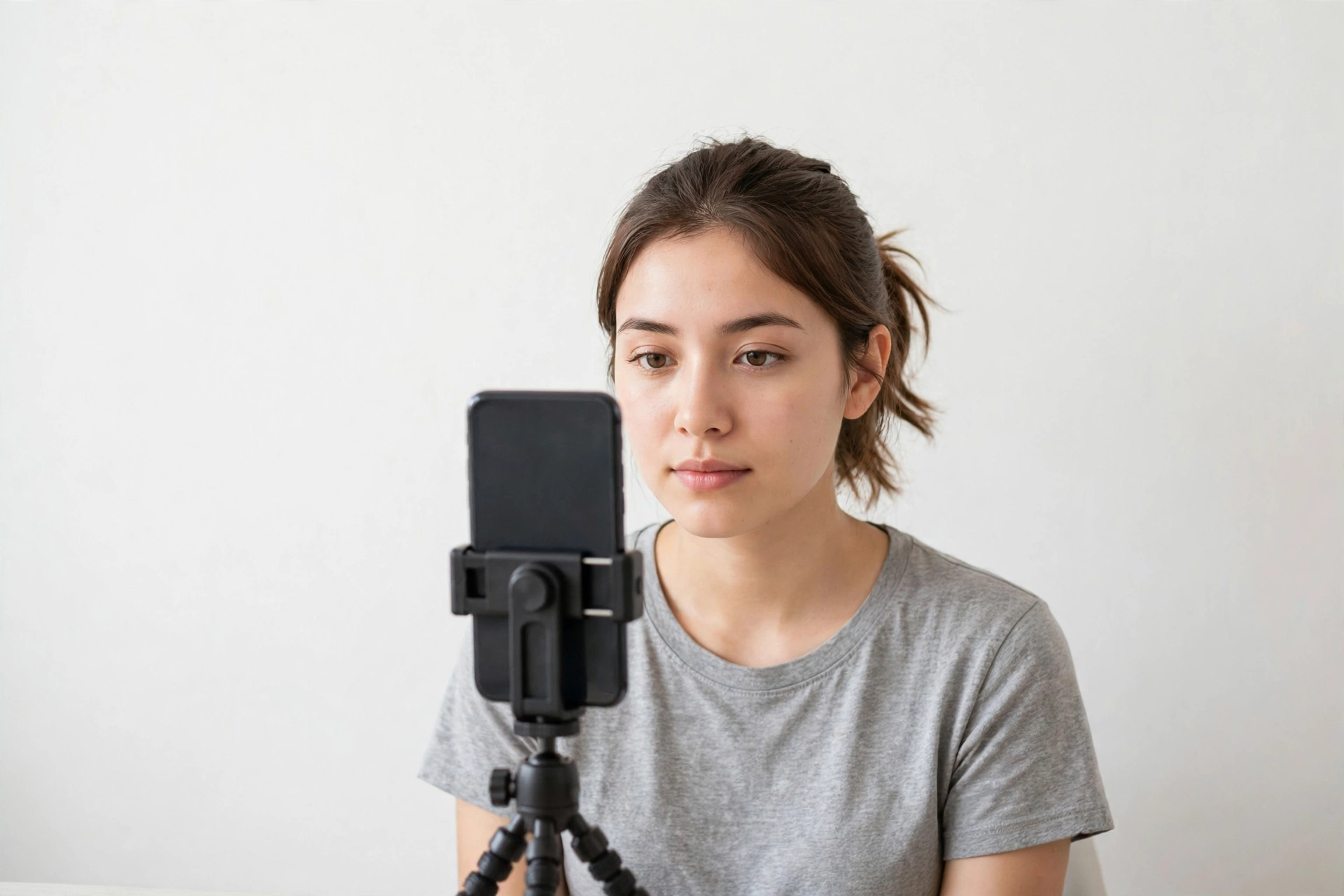
Taking a passport-style photo at home with a phone on a tripod against a white wall

What ReadyPic does

readypic.org · readypic.holmesuniversal.com

Take or upload a photo and ReadyPic screens the measurable requirements — file quality, face count, position, scale, brightness, and background appearance — flags likely problems, and tells you what to fix before a rejected photo costs you weeks.

The check itself is free. For paper and print applications, paid preparation tools ($7.99, per browser session) build a 2×2 print file and a 4×6 sheet with two copies. ReadyPic does not retouch faces or replace backgrounds, and a check screens measurable items only — final acceptance is always up to the U.S. Department of State.

Run the free photo check

How It Works

Three steps. No account.

1. Take or upload

Use a fresh phone photo or an existing image. It is analyzed locally in your browser — not uploaded.

2. Check

ReadyPic measures what it can measure and flags anything likely to get the photo rejected, with fixes to make.

3. Prepare

For paper/print workflows, create the 2×2 print file and 4×6 sheet. For online renewal, remember: submit your original, unedited photo.

Go to ReadyPic — readypic.org

readypic.org also carries plain-language guides: smiles, glasses, what to wear, baby passport photos, taking the photo at home, and common photo problems.